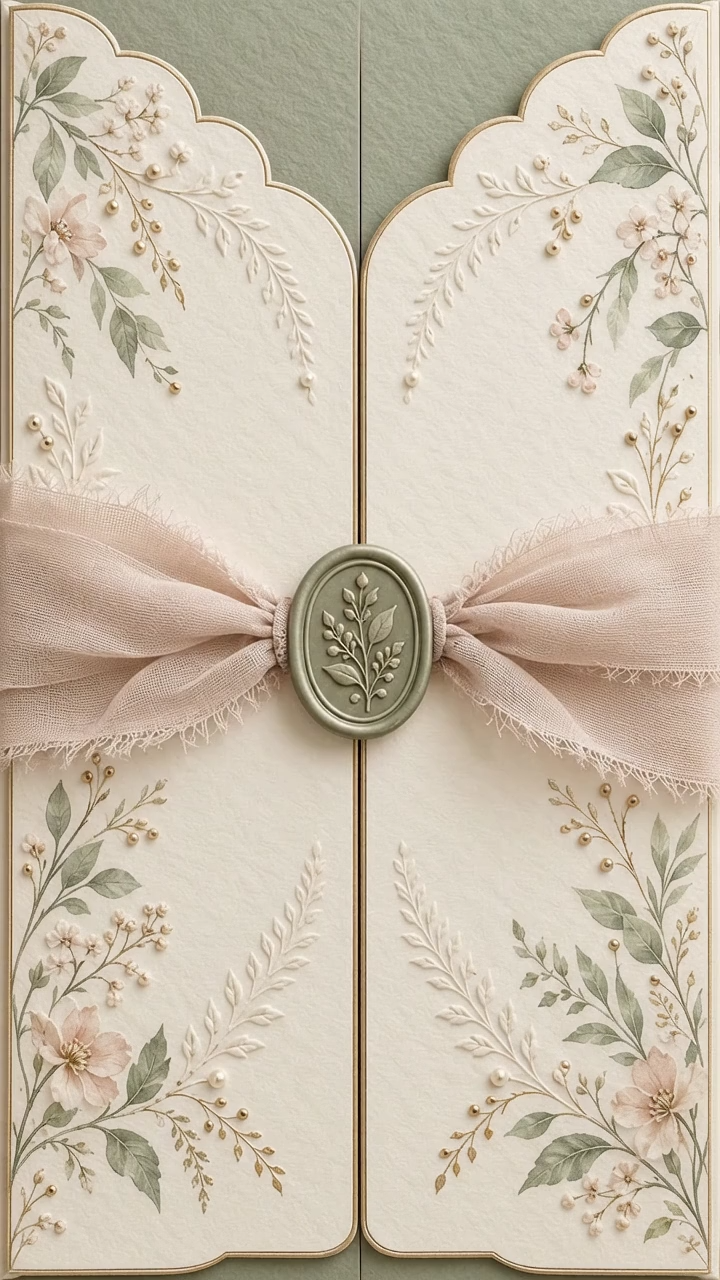
Ada Garden
Ada Garden pairs soft pearl tones with delicate floral details. Personalize an animated wedding invitation with your names, date and RSVP form.
View templateCreate a digital wedding invitation with an animated opening, photos, music and a venue map. Share it on WhatsApp and collect guest responses in one place.
Ada Garden pairs soft pearl tones with delicate floral details. Personalize an animated wedding invitation with your names, date and RSVP form.
View template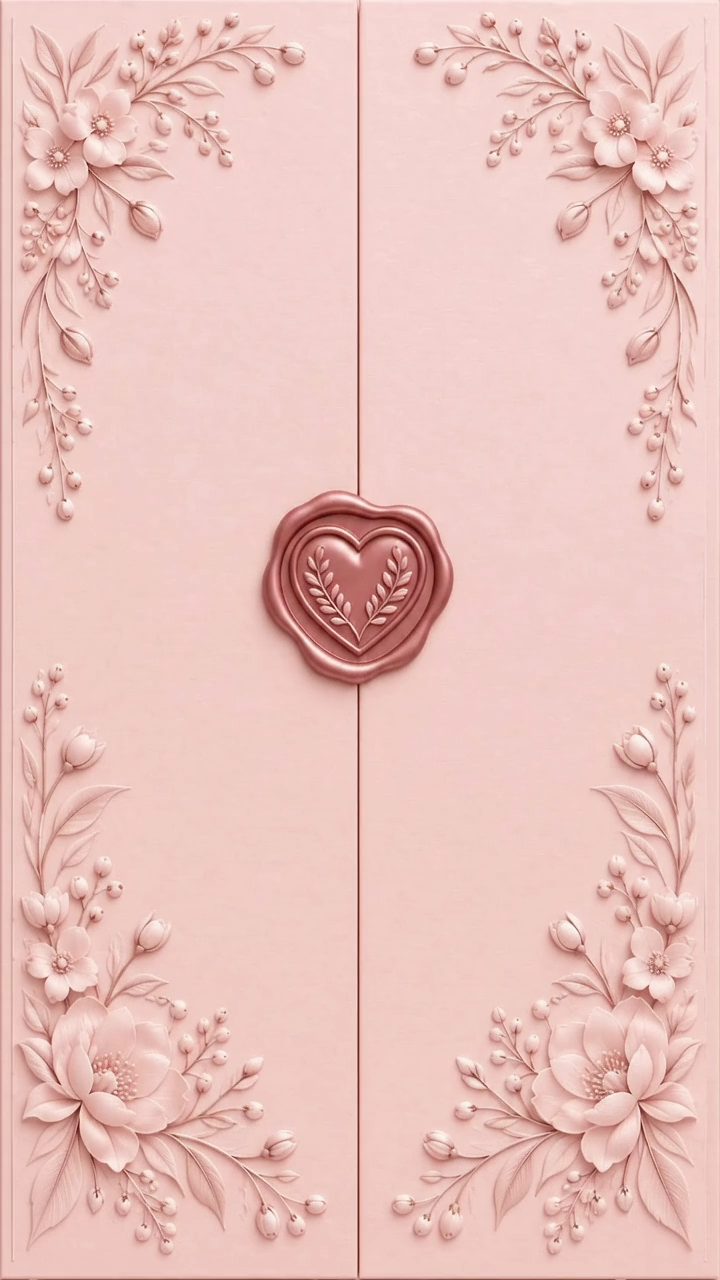
Blush Reverie combines blush tones and romantic roses. Make this digital invitation your own with photos, music and the details of your celebration.
View template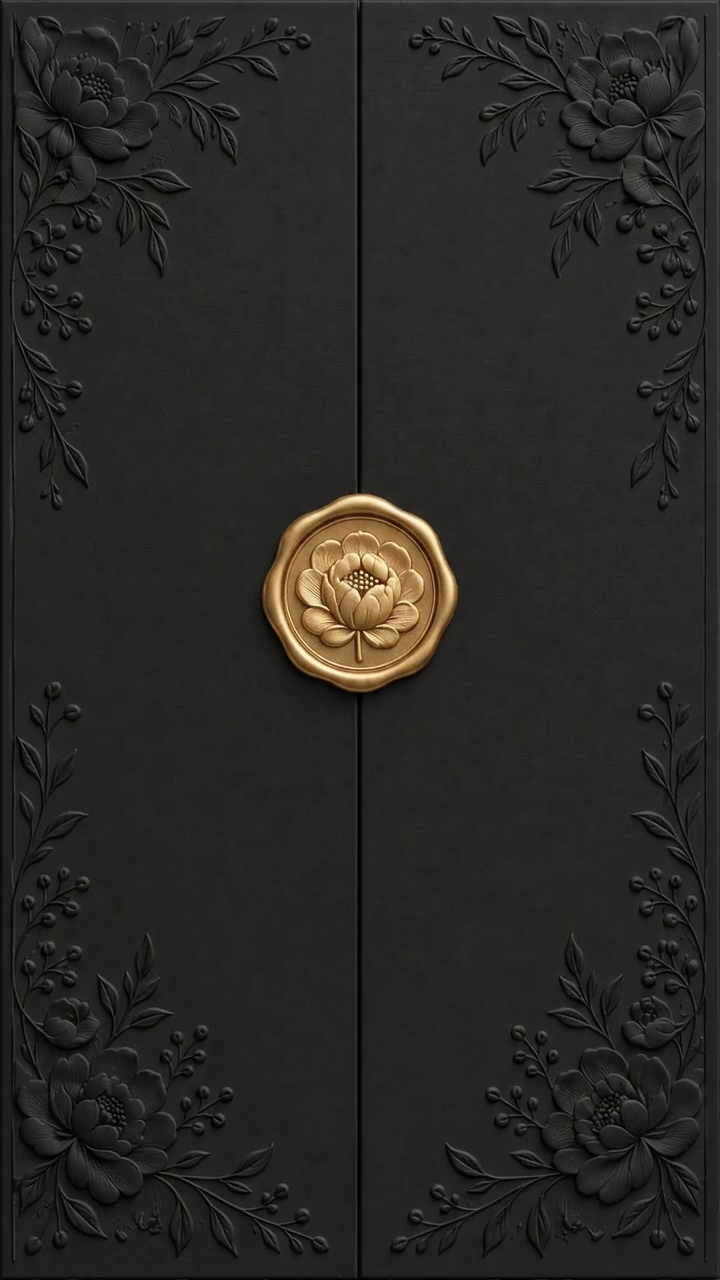
Midnight Bloom features a black and gold opening. Add a wedding and optional henna event with separate dates, locations and countdowns.
View template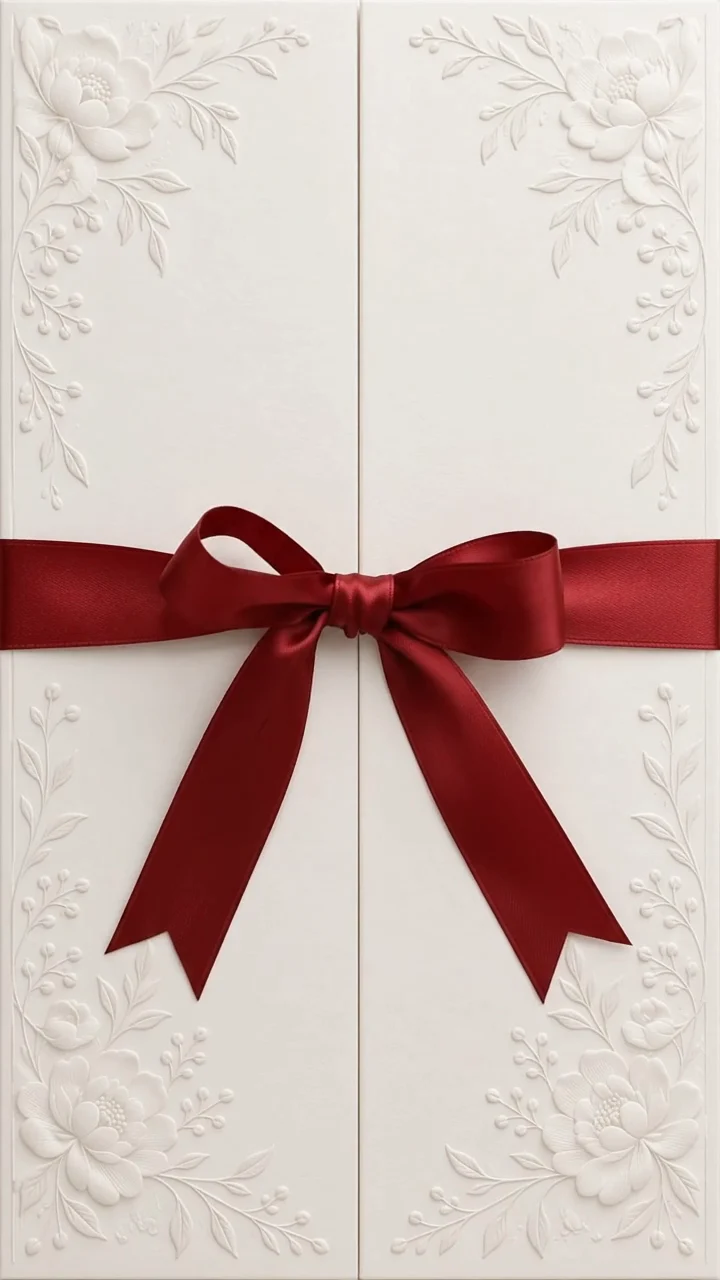
Burgundy Ribbon pairs rich ribbon details with restrained typography. Share an animated invitation with your event details in one link.
View templateStart with your names, event date and venue. Add photos, music, a schedule and an RSVP form to suit your celebration. Once published, share a single link and keep track of guest responses from your dashboard.
Design for free. The current publishing fee is shown before payment. Your invitation remains available until 40 days after the event.
Compare wedding invitation templates by checking the names, date and venue on your phone, as well as the animated opening. A digital wedding invitation card can bring these details and RSVP into one shareable link. If your ceremony and reception have different times, list them separately; use a second event for a different venue.
We would love you to join us as we celebrate our wedding on [Date]. Find the details and let us know if you can come: [Invitation link]
Enable the second event to add a separate date and location. Leave it off for a single event, and review your chosen template before publishing.
You can try and personalize a template for free. The current publishing fee appears before payment; check the pricing page and the price of your chosen design.
Share your published invitation link through WhatsApp, text or email. Send your own invitation link rather than the sample demo.
You can update the details from your dashboard. After saving, reopen the shared link to check the changes. The invitation stays available until 40 days after the event.