Midnight Bloom
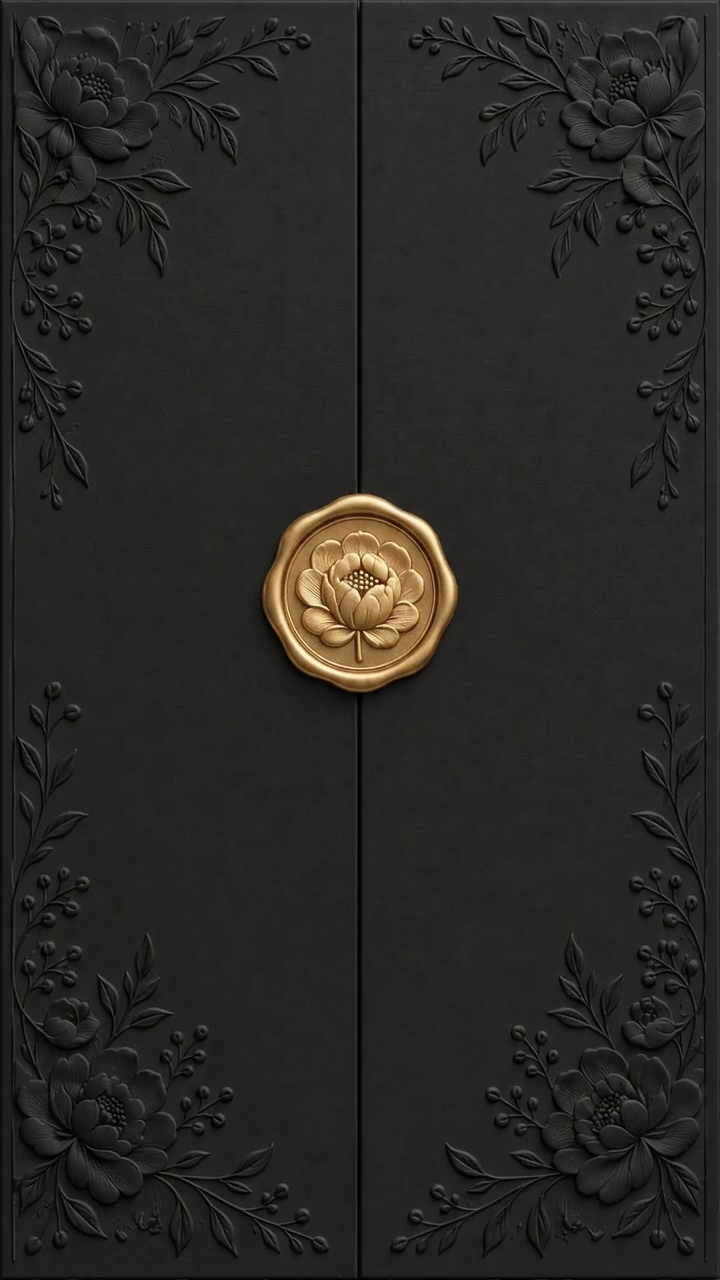
Midnight Bloom features a black and gold opening. Add a wedding and optional henna event with separate dates, locations and countdowns.
What your invitation includes
Start with your names, event date and venue. Add photos, music, a schedule and an RSVP form to suit your celebration. Once published, share a single link and keep track of guest responses from your dashboard.
Design for free. The current publishing fee is shown before payment. Your invitation remains available until 40 days after the event.
Personalize this templateView original demoAbout this design
A black background and gold seal create strong contrast for an evening celebration. When announcing a henna night and wedding together, give particular attention to the separate dates and venue links.
Personalizing this template
- Enable a second event only when needed.
- Test the directions for both celebrations separately.
- Check that both countdowns use the intended event dates.
Watch the opening
The video loads only when you play it. Open the demo to explore the full invitation.
Your questions answered
Is designing the same as publishing?
You can try and personalize a template for free. The current publishing fee appears before payment; check the pricing page and the price of your chosen design.
What do I send to guests?
Share your published invitation link through WhatsApp, text or email. Send your own invitation link rather than the sample demo.
Can I edit after publishing?
You can update the details from your dashboard. After saving, reopen the shared link to check the changes. The invitation stays available until 40 days after the event.